Enrichment allows you to append specific fields to your customer file; for example, income, age, length of residence, and many others. You can pick from a pre-bundled group or more specific data elements.
- Click the Enrich button on the main page
- Click the green "+New Enrichment" button to upload a new file.
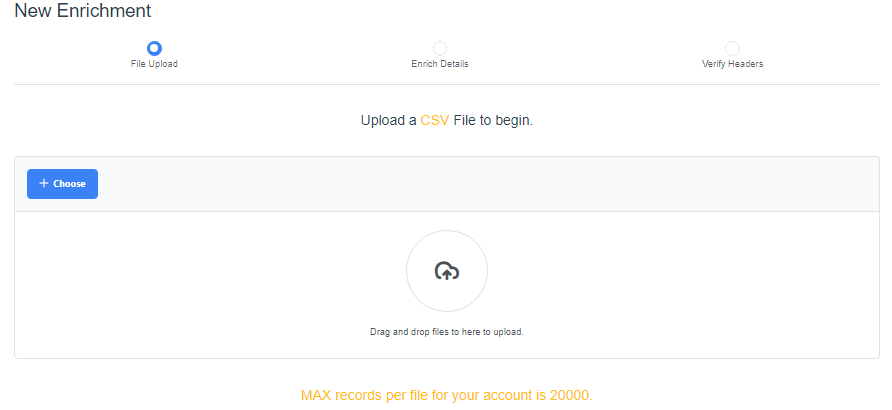
- Click the blue "+Choose" button or drag and drop the CSV file to upload, then click the blue "Next" button. (Our platform currently accepts only CSV files.)
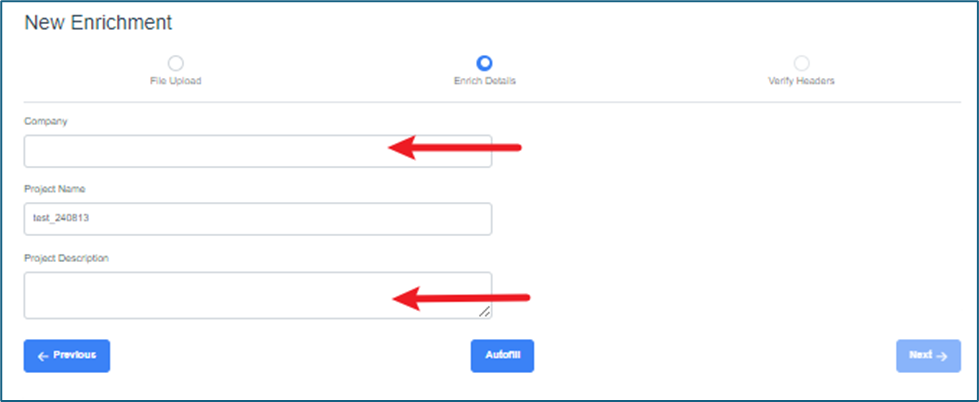
- Enrich Details: when the file has been uploaded, enter Company Name and Project Description, then click "Next"
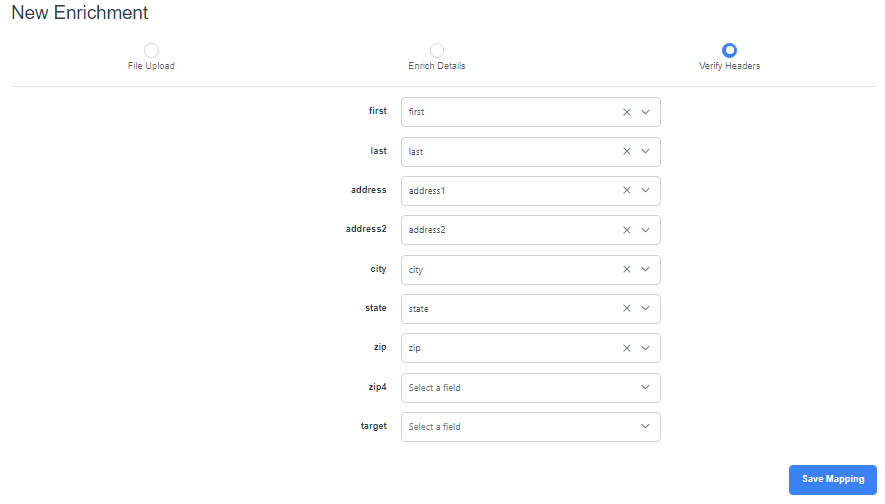
- Verify Headers: if not already populated, select the headers of your data, then click the blue "Save Mapping" button. The minimal requirements are: address 1, address 2, and zip. If you are looking to enrich your customer/lead data at the individual level, you must have first and last names.
- Select the categories to which the data should be matched. (Click on the blue "i" on each to learn more. ) When selection(s) have been made, click the blue "Next" button.
As an example below, the total number of records is 500 (plus the header) and Lifestyle and Engagement Channels have been selected.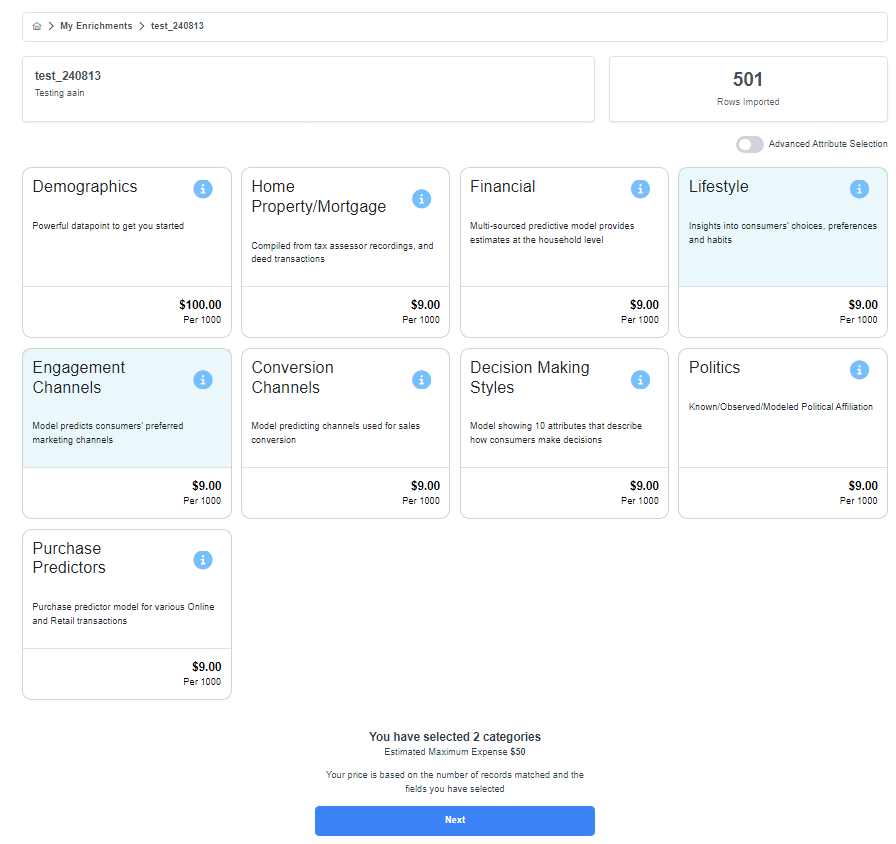
- The enrichment process will start; watch for a blue bar showing the progress and a green pop-up in the lower right corner to indicate if it has been successful.
- The next page provides access to the enrichment results; click on the gray "Download" button to receive the Excel reports.
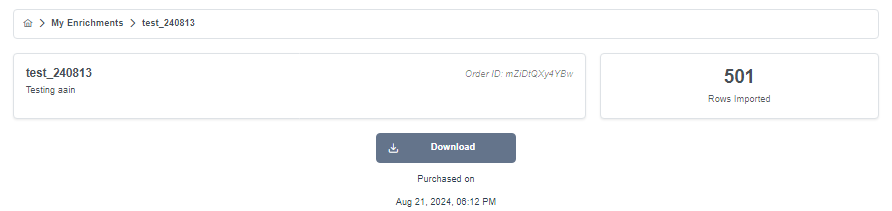
- Check your Downloads for the reports. Four reports will appear:
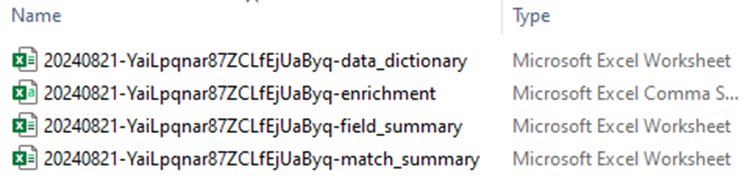
- The Data Dictionary report provides definitions, breakdowns and rankings of the attributes selected.
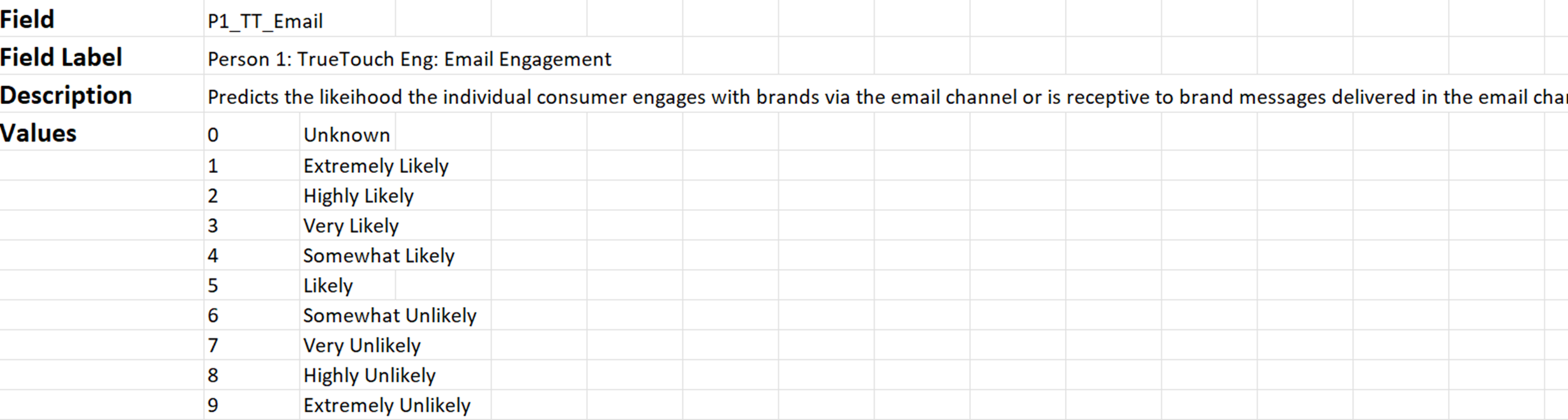
- The Enrichment report shows all of the records and the selected attributes known about each person/address.

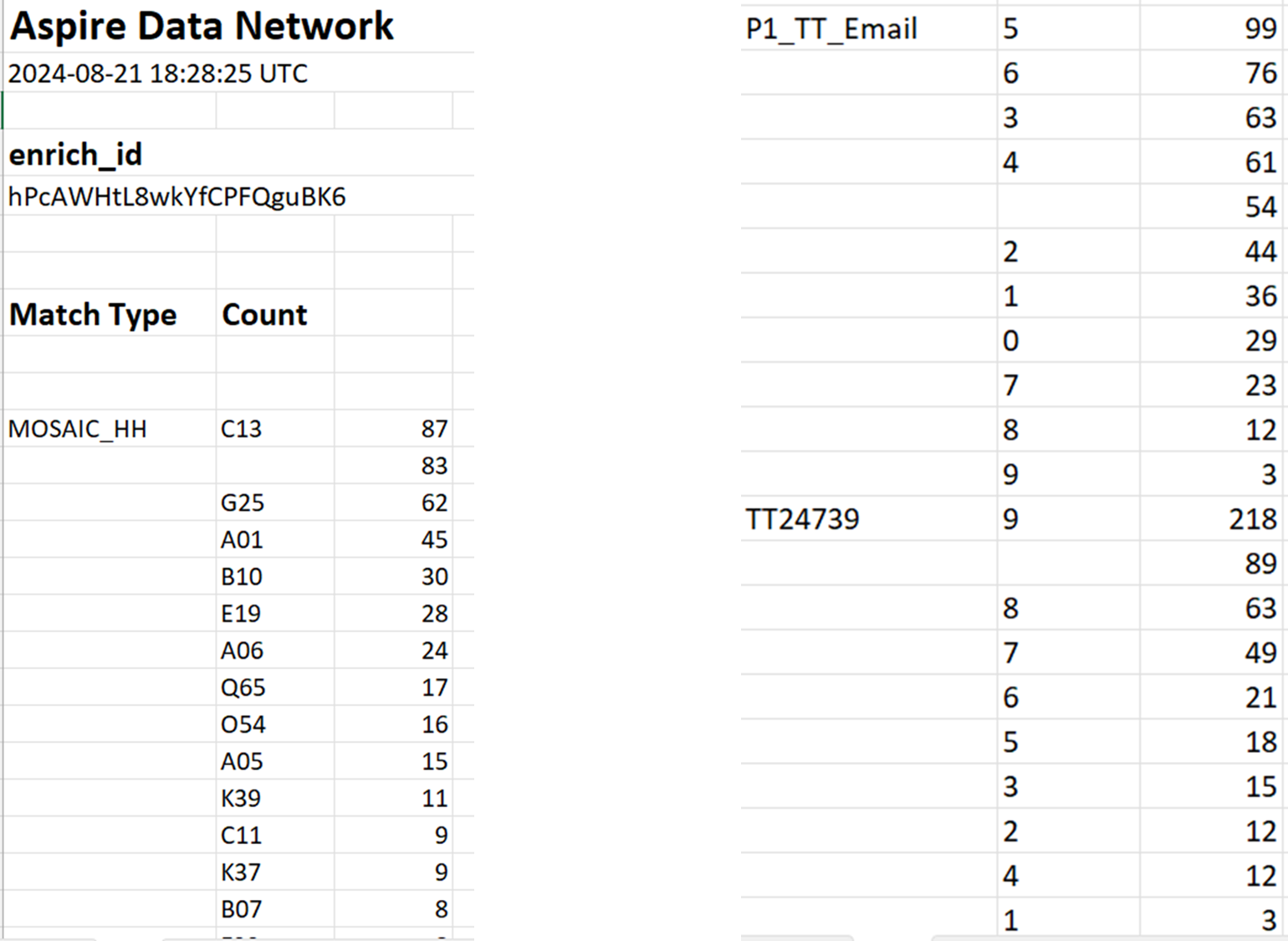
- The Field Summary report provides a summary of the selected attribute matches and record count for each. Scroll down within your report to see all of the Summaries.
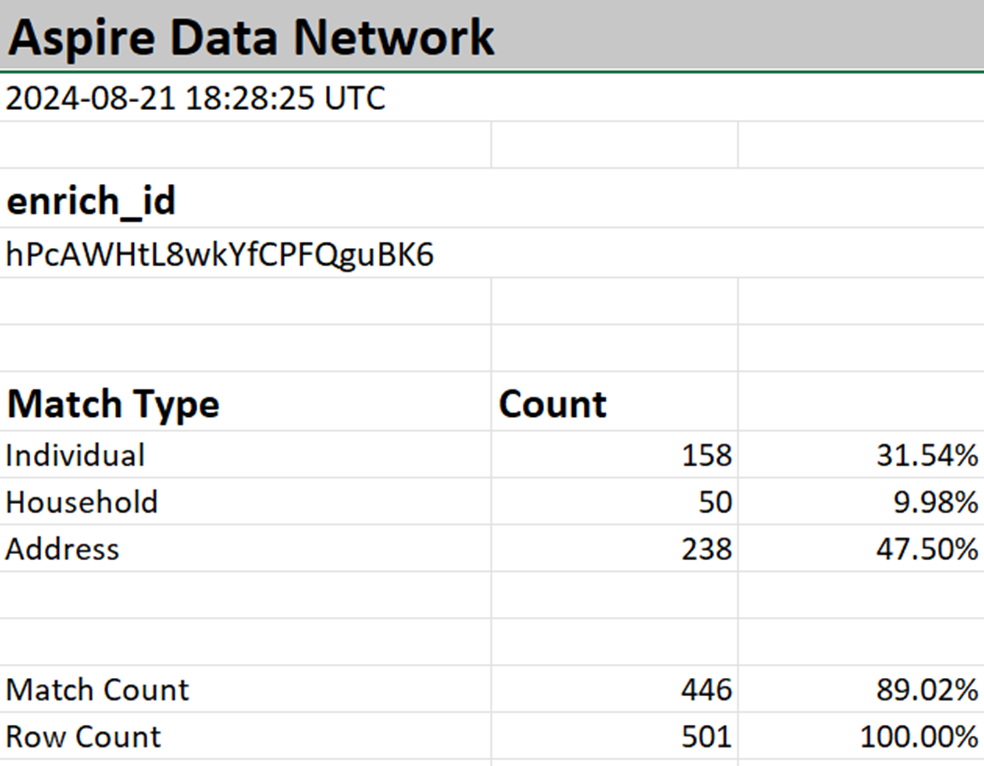
- The Match Summary report provides a summary of the number of individual, household or address matches. In the example below, 446 records matched to the Experian database.