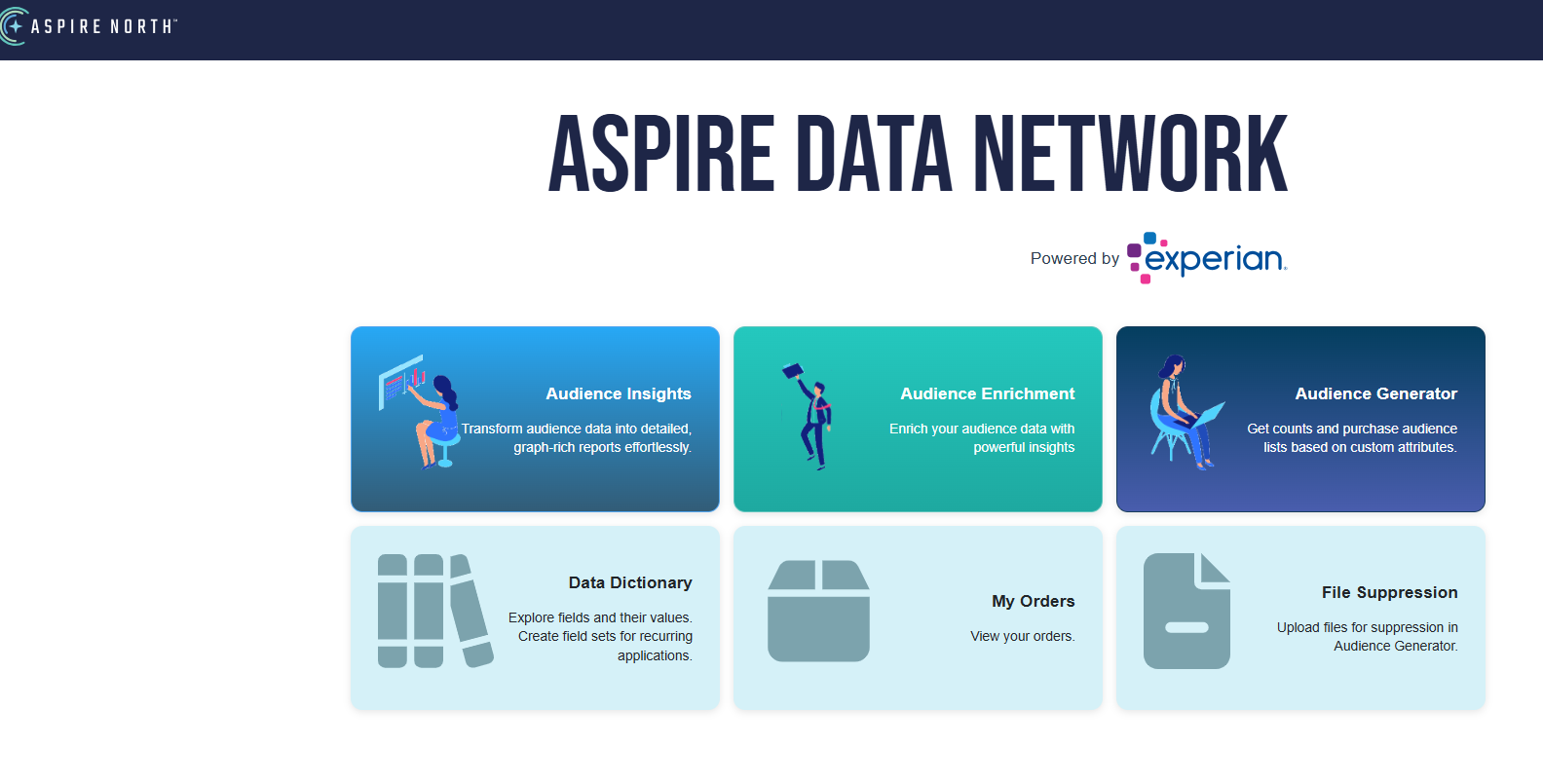
Click on Files
Click on Choose
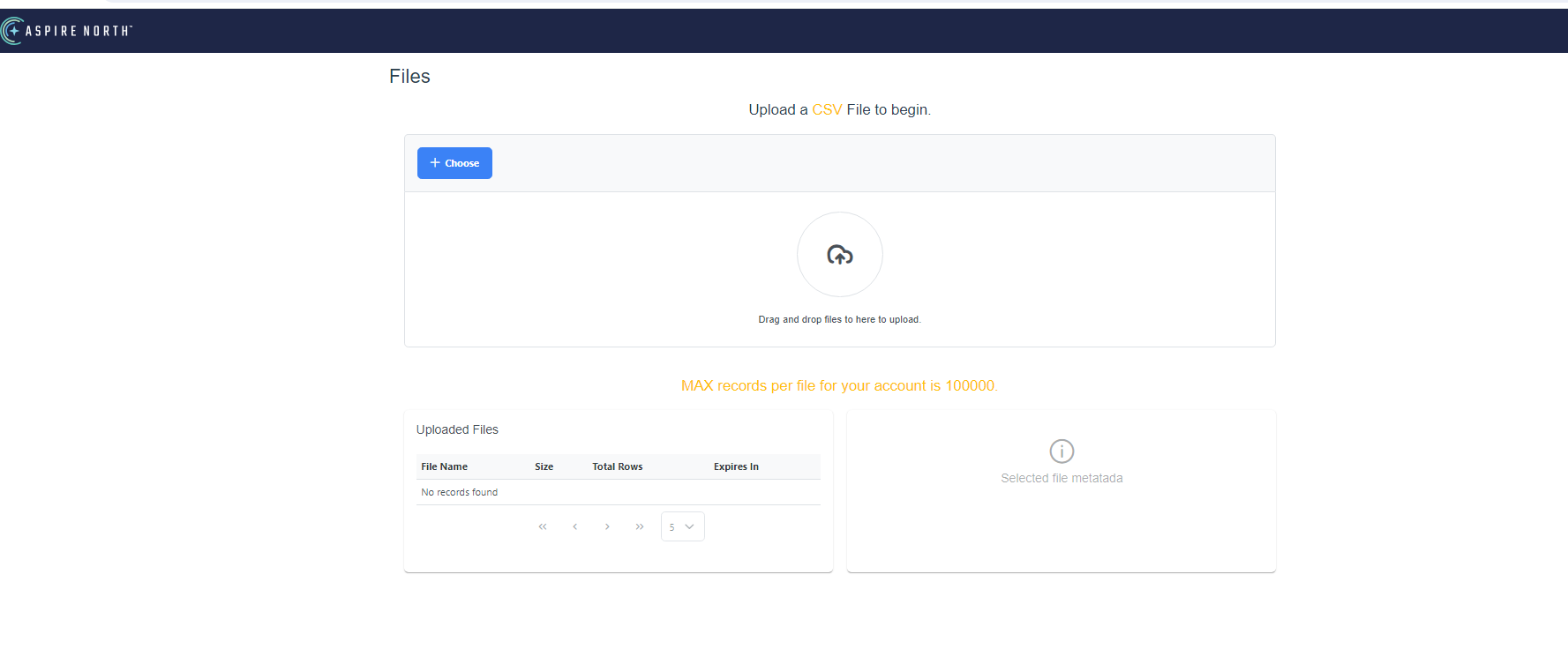
Click on Choose and Select the client file from your Download or you can drag and drop the file. Please note that all files need to be in csv format.
You will see the screen below. For suppression purposes, only define address and zipcode.
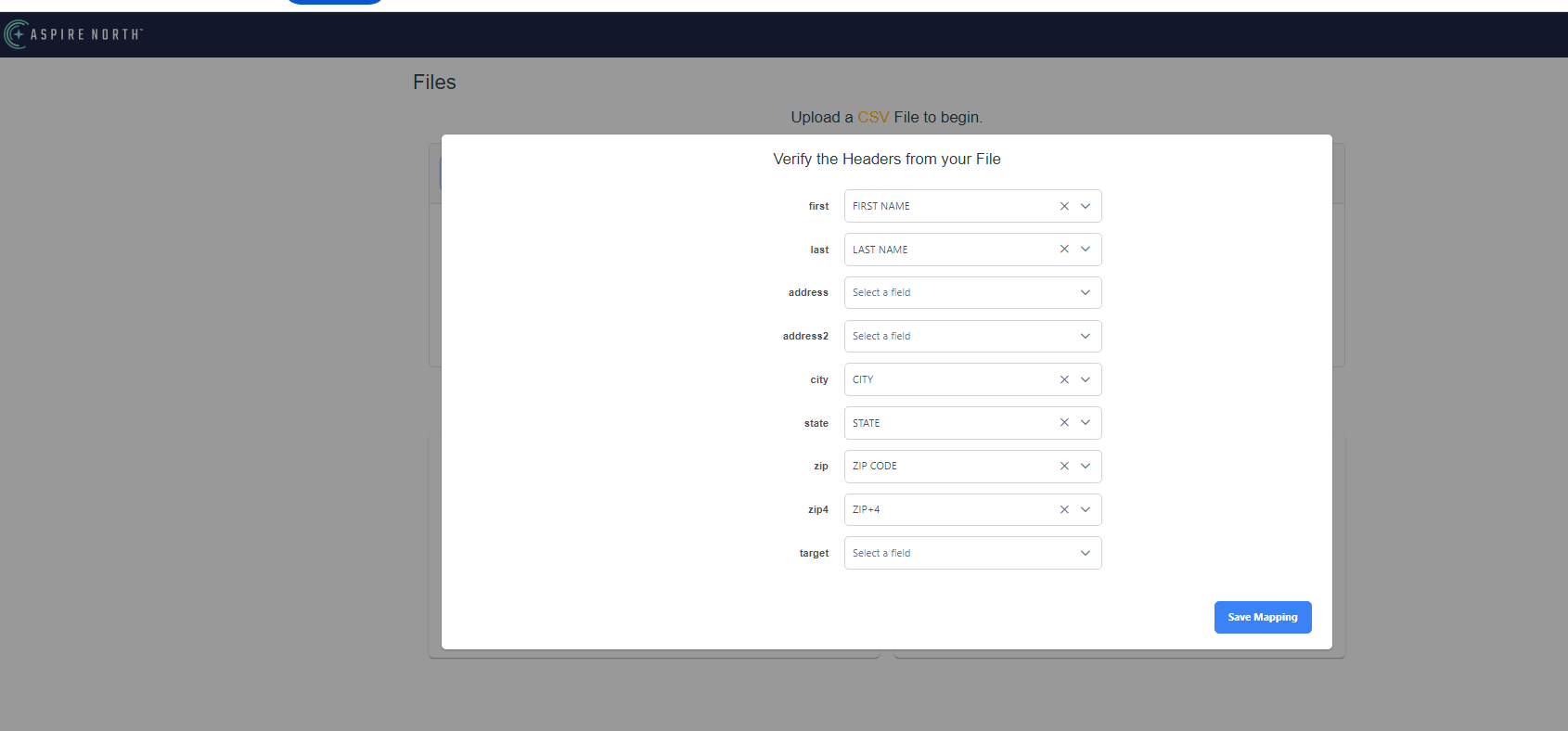
Click on save mapping
Your file should show up in the list below.
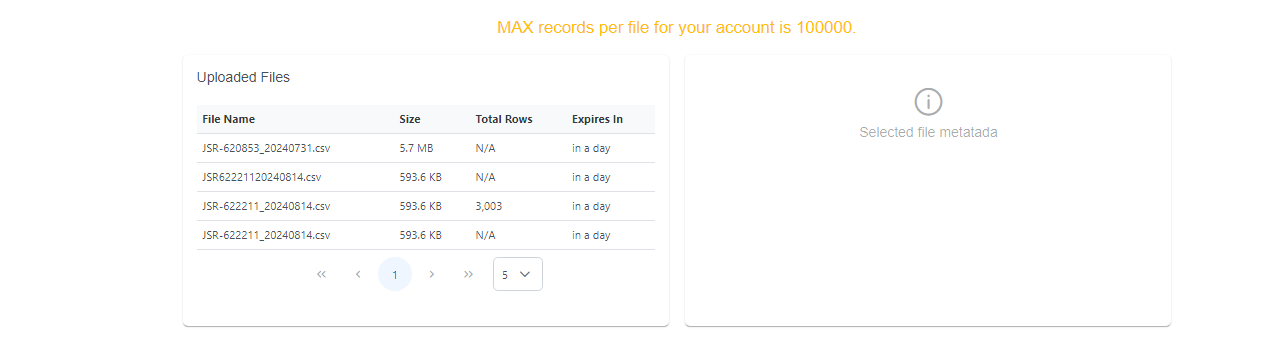
Now your suppression file is ready to be used in your count.
Go back to Prospects Page to Start a Count.
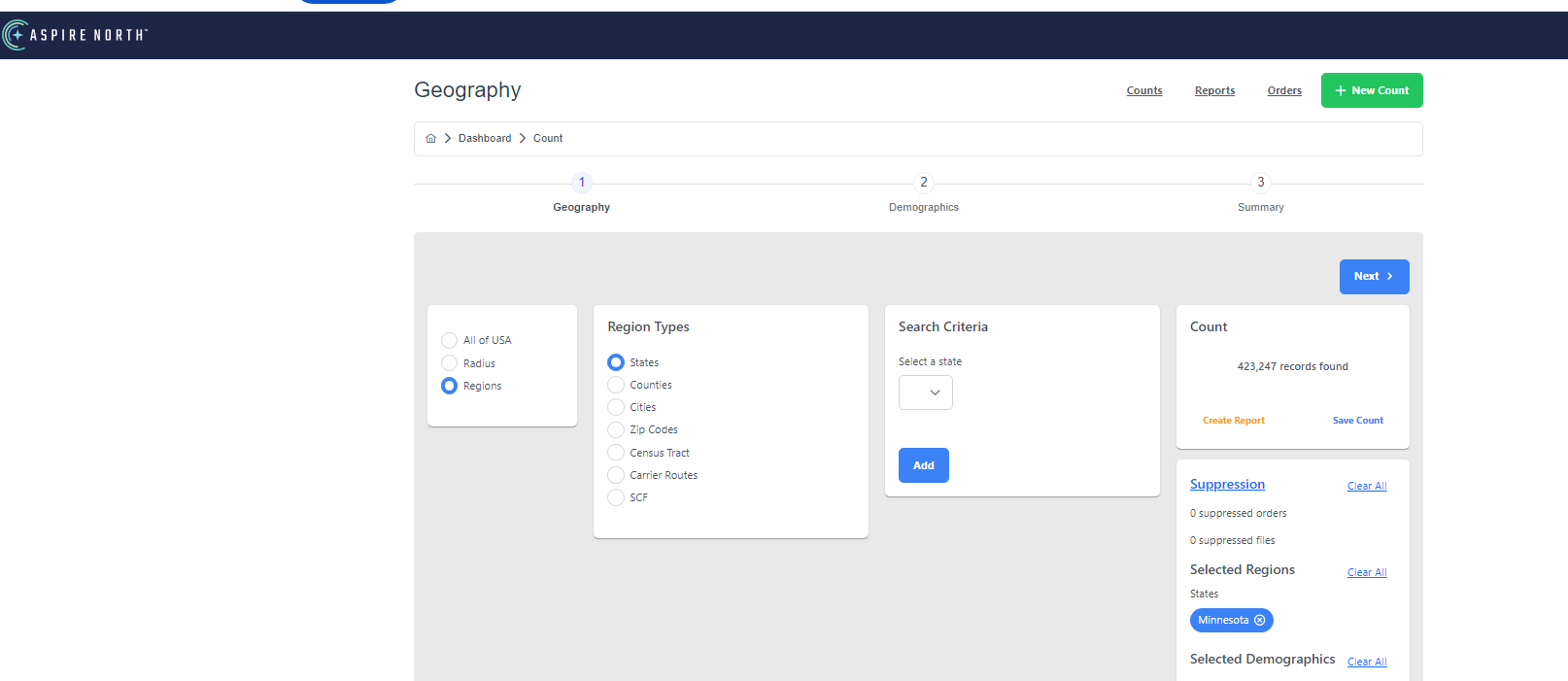
Click on Suppression (see below) to upload your file you want to suppress and select any other geo or demographics for your count.