
- Once logged into Aspire Data Network you will need to click on Audience Generator.
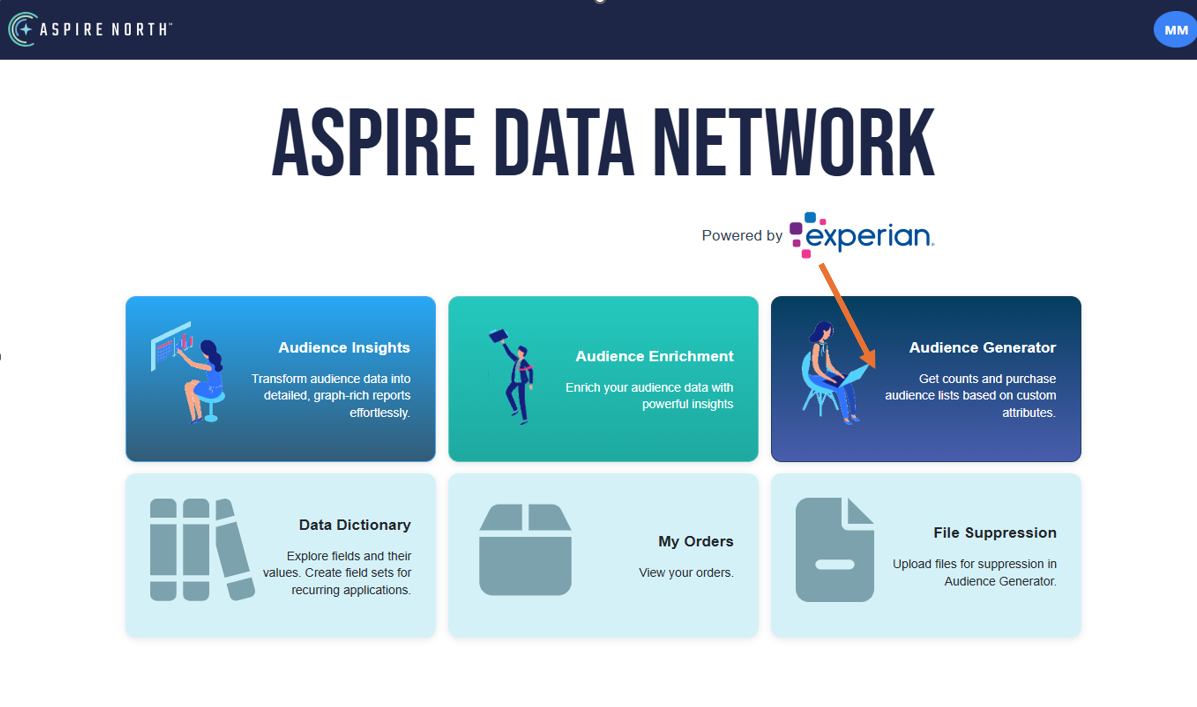
- Once you click on Prospects then you will need to click on New Count in the upper right corner.
- Once you click on New Count you will see the start of a count on the top of the column on the right. Start with the type of geography count you would like in the circles
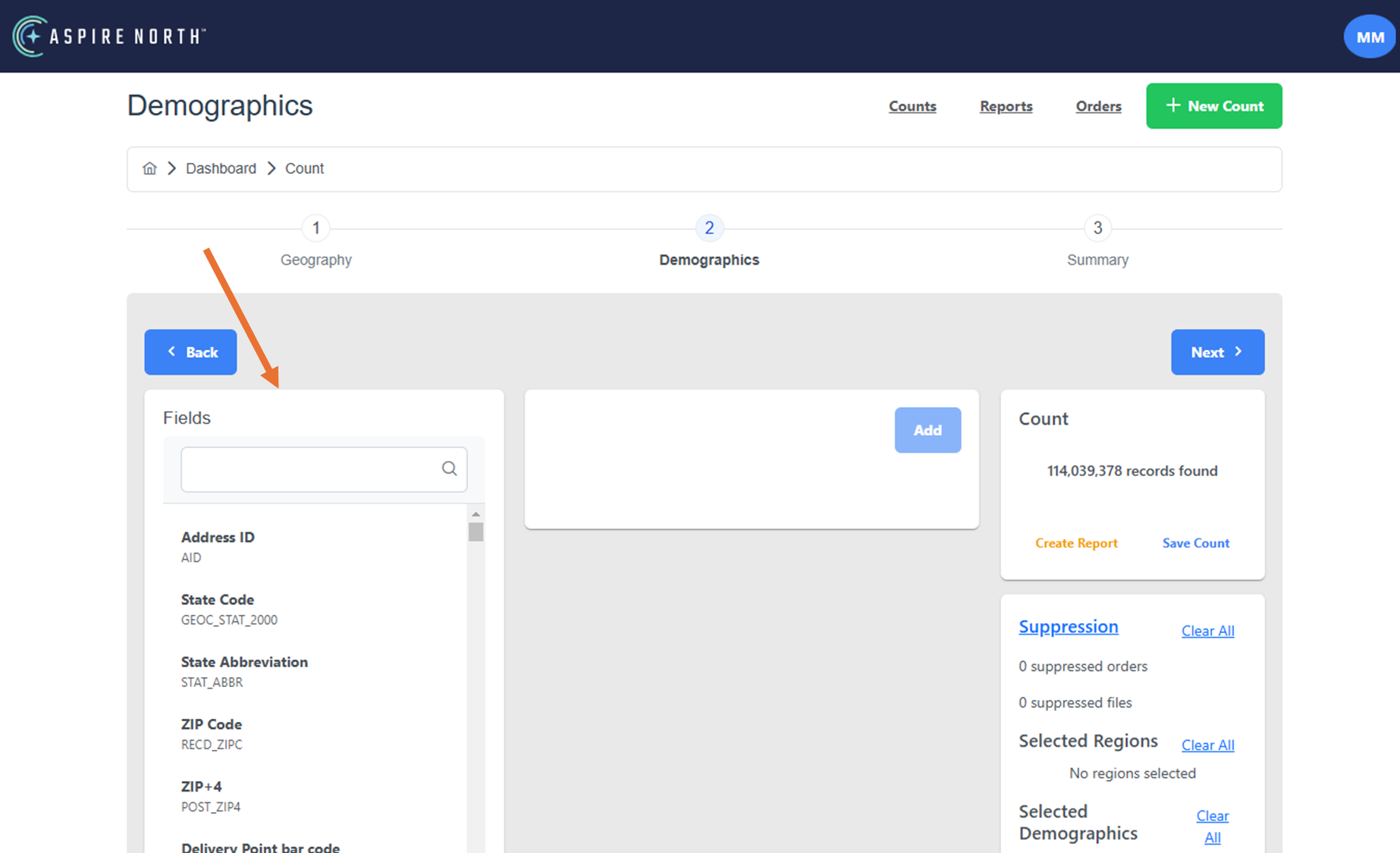
- Before starting any count you will need to put in the "Standard Default" selections.
How to Create a Count
Did you find it helpful? Yes No
Can you please tell us how we can improve this article?