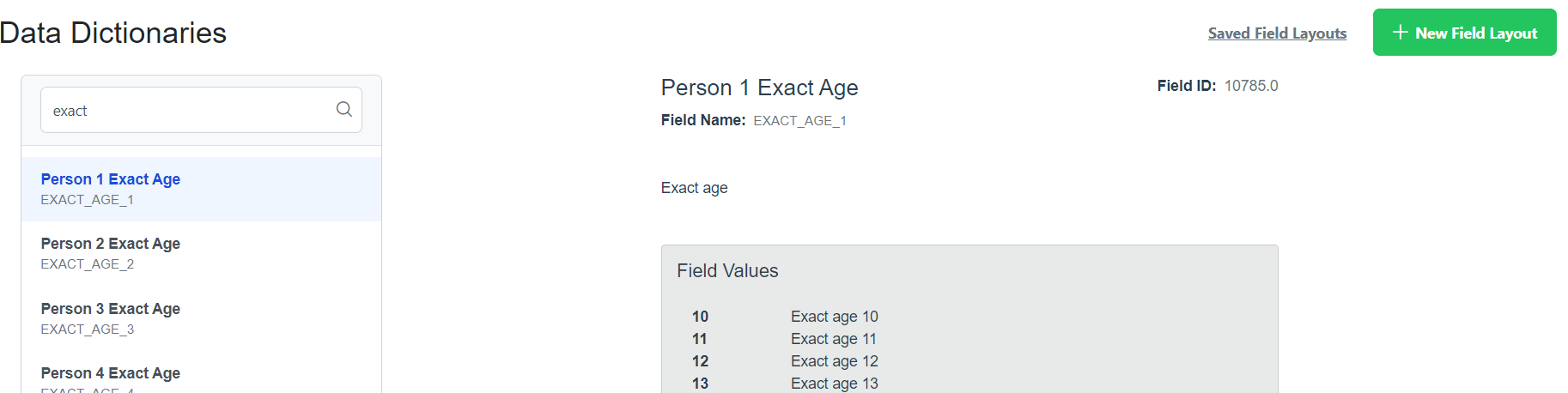
The Data Dictionary is used to explain the fields used to suppress a count.
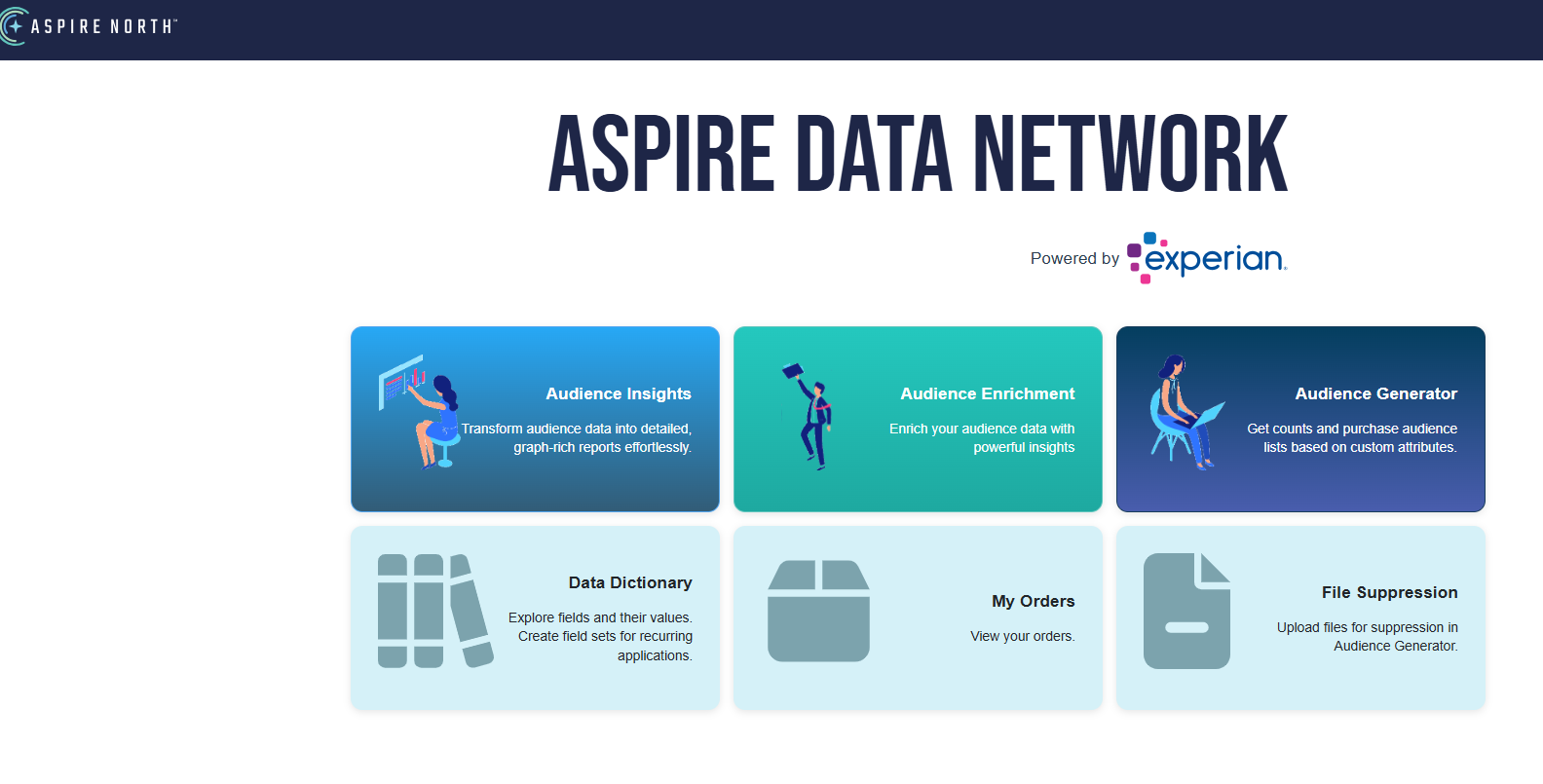
- After login, click the Data Dictionary Icon.
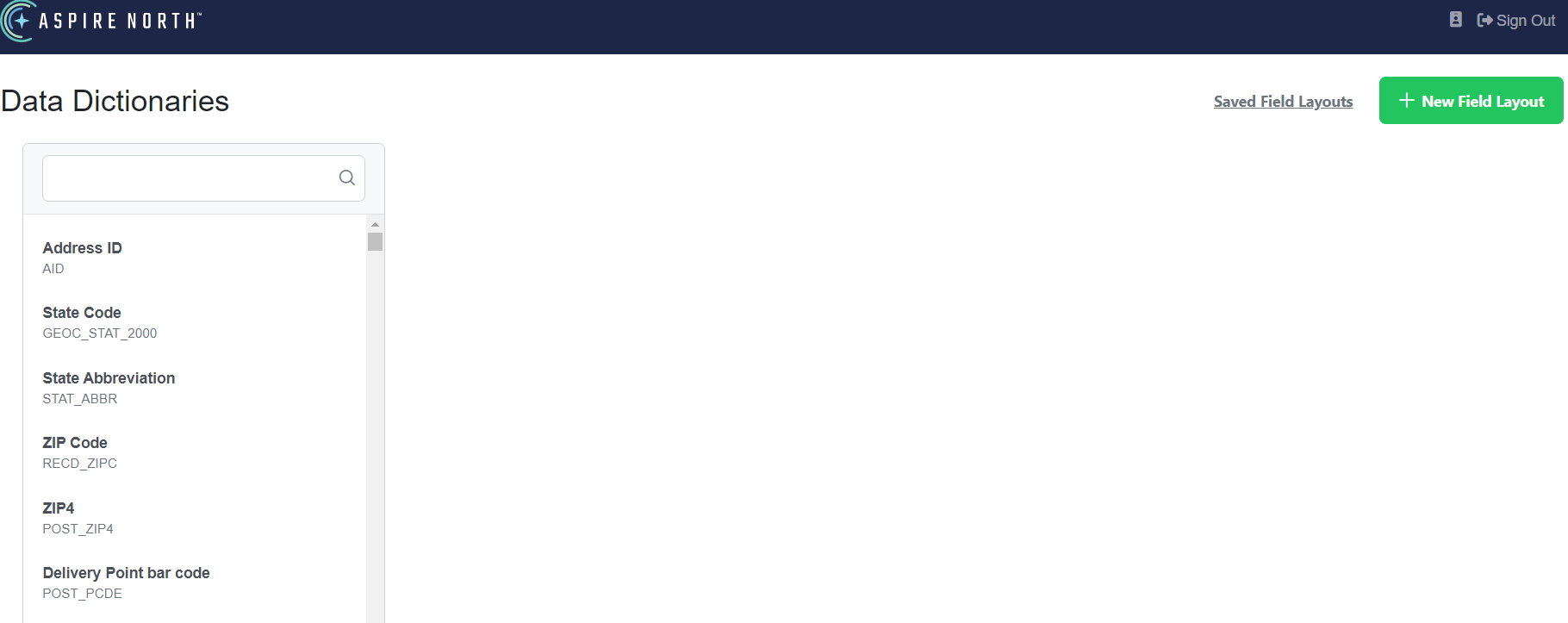
- Wait about a couple seconds and you will see the selections populate on the left side of the screen.
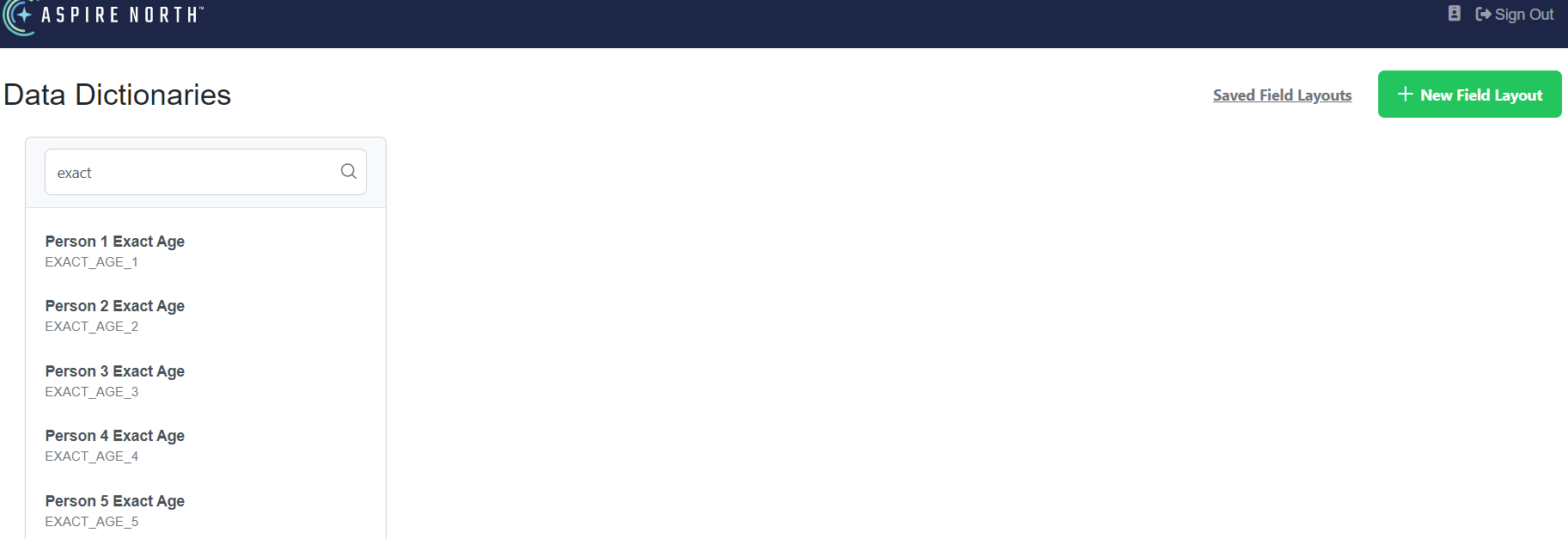
- You may either scroll down or type in the search field what you are looking for. For this example, we are going to search for Exact Age.
- Click on Person 1 Exact Age and you will see that term defined.