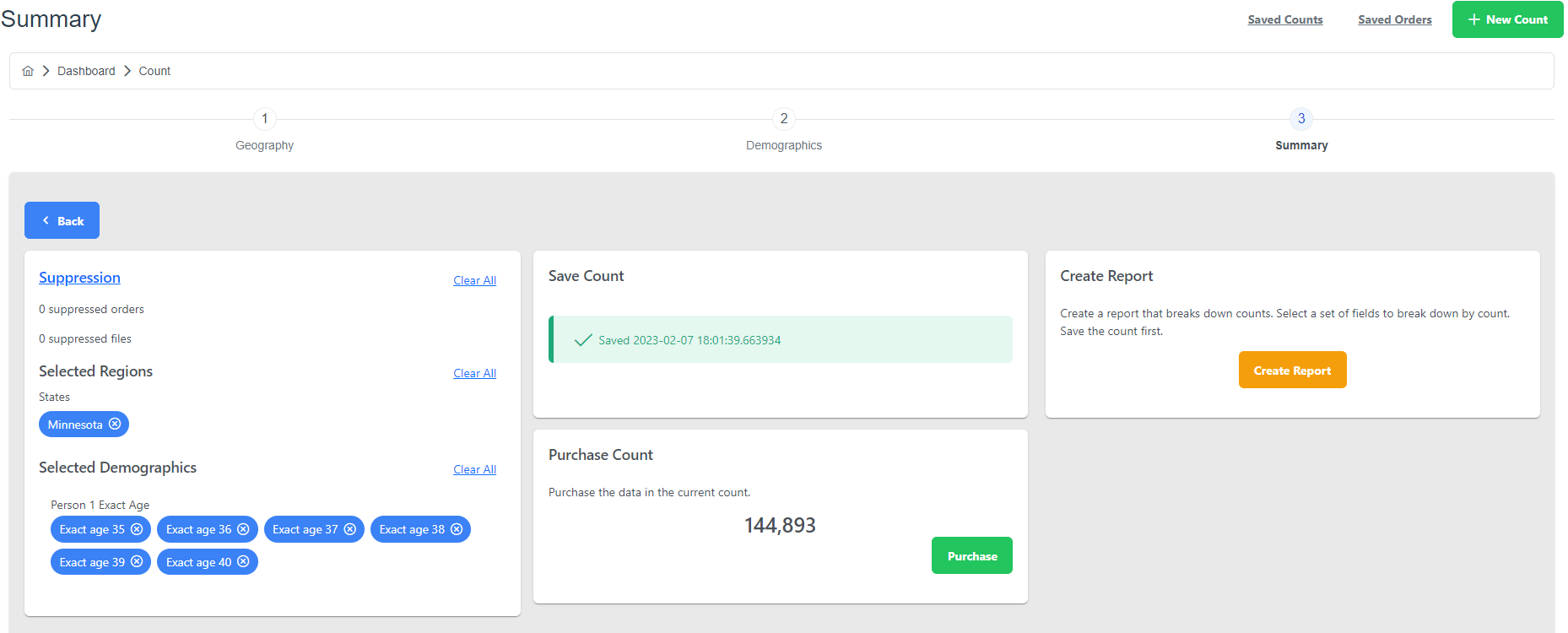
Once you have started working on a count and you have selected it geographically and demographically you may save it.
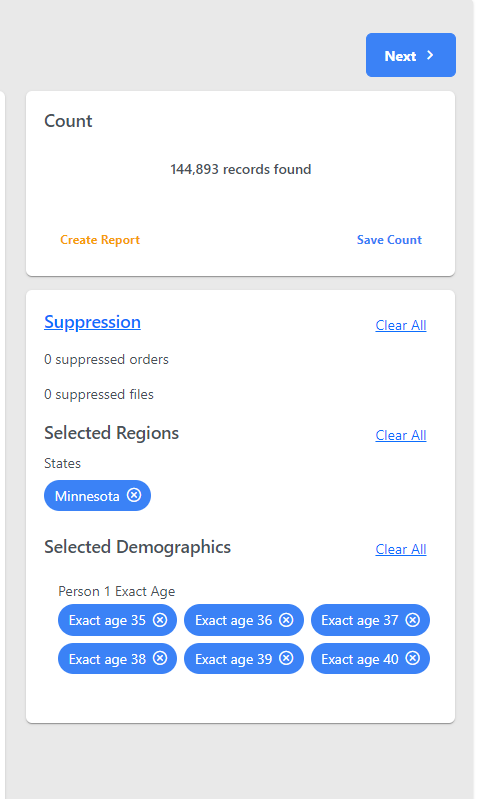
- To save your count click Next.
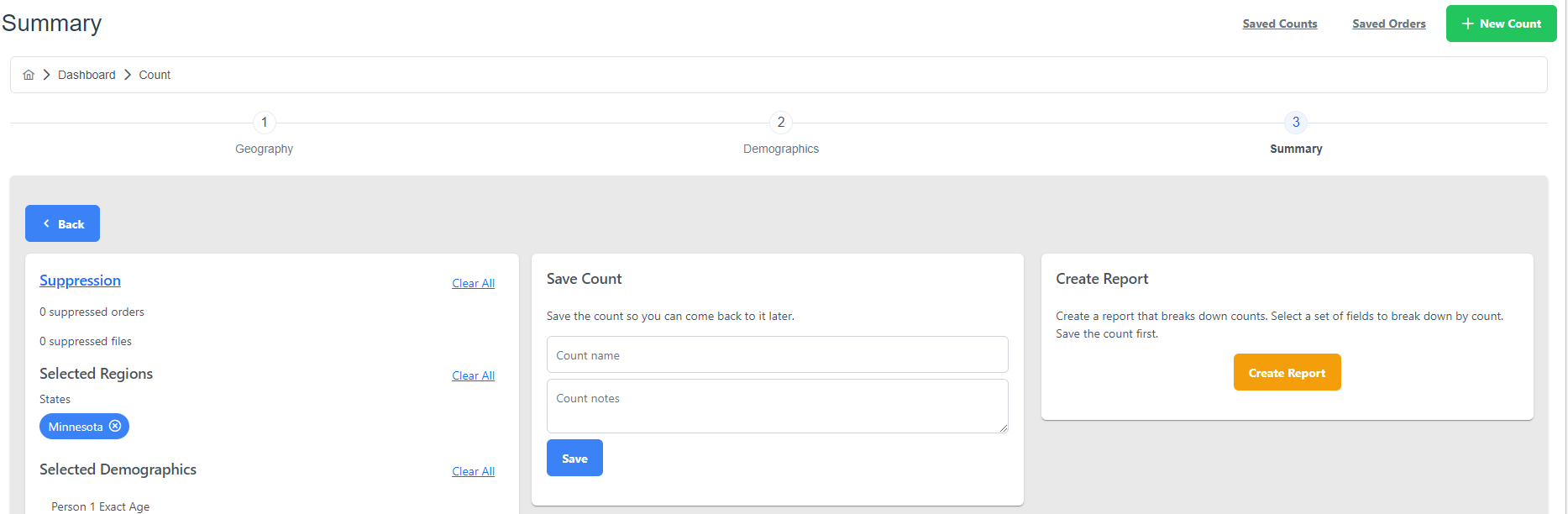
- Then you will come to the Summary page. In the middle column you may give your count a name and write a note about it. Once you do that you may click the blue Save button.