
Once you have saved a Count you may create a report that shows greater detail about the make up of the count.
- There are two ways to get started with this.
First, you may select an already saved Count.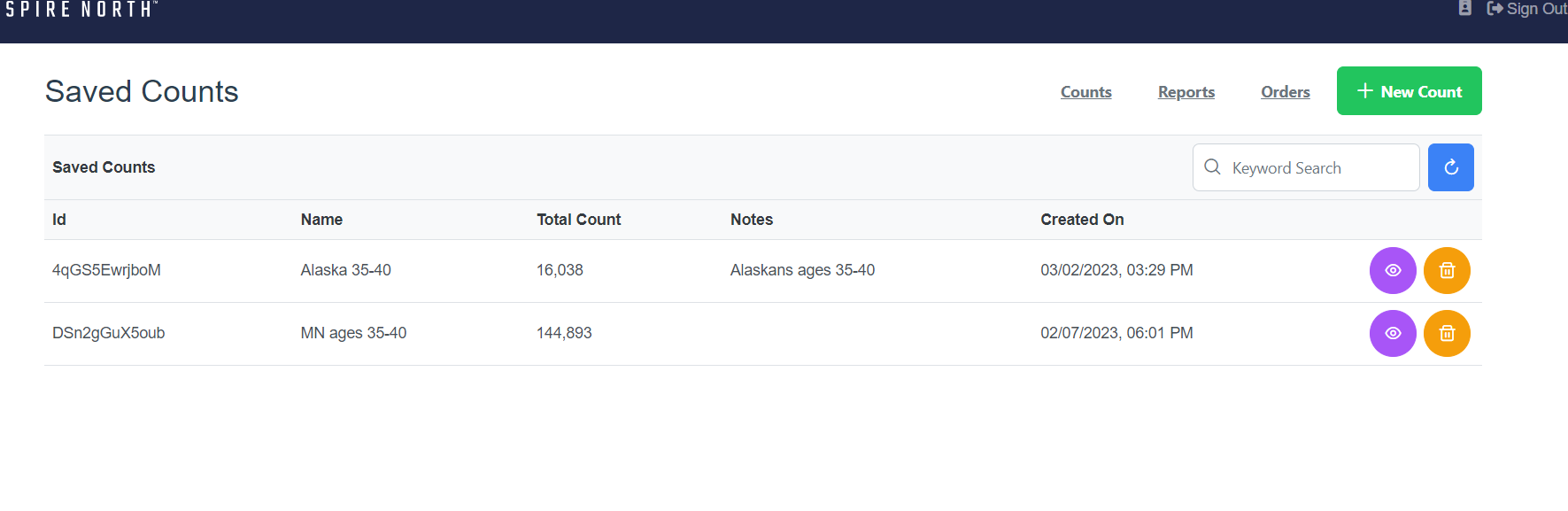 Or, you may just continue with the saved count from the Summary Page.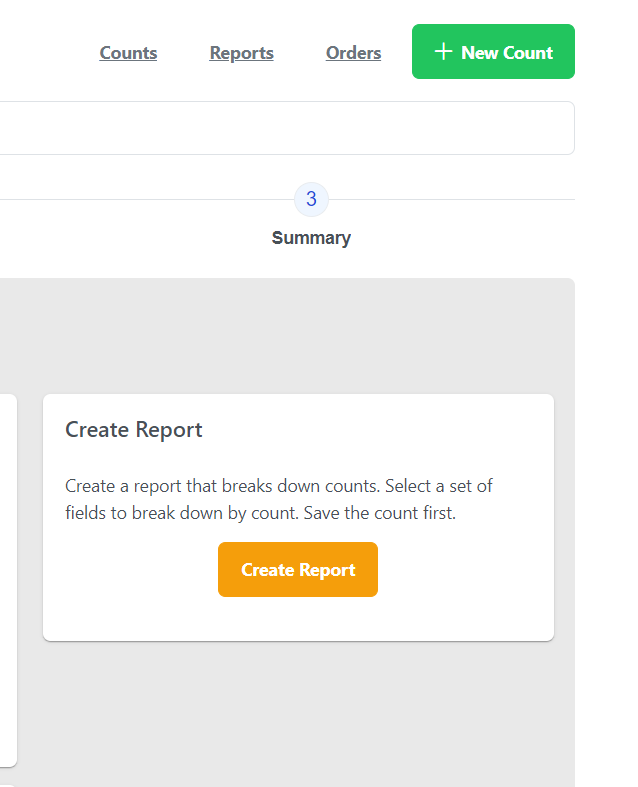
- Click on Create Report. We currently have a 1 dimensional 2 dimensional function.
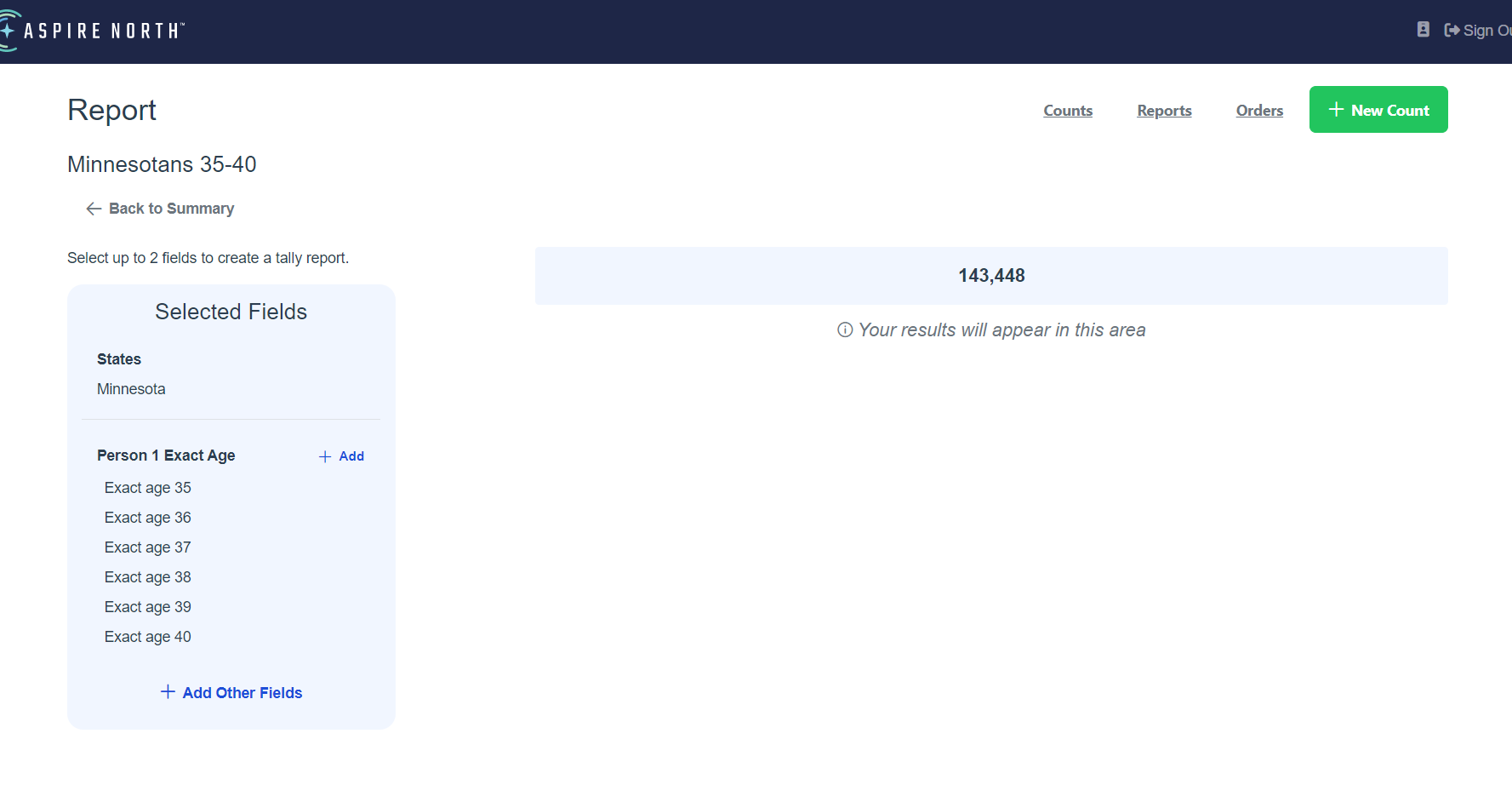
- You may select what information you would like on the report. For this example, we are going to add Person 1 Exact Age.
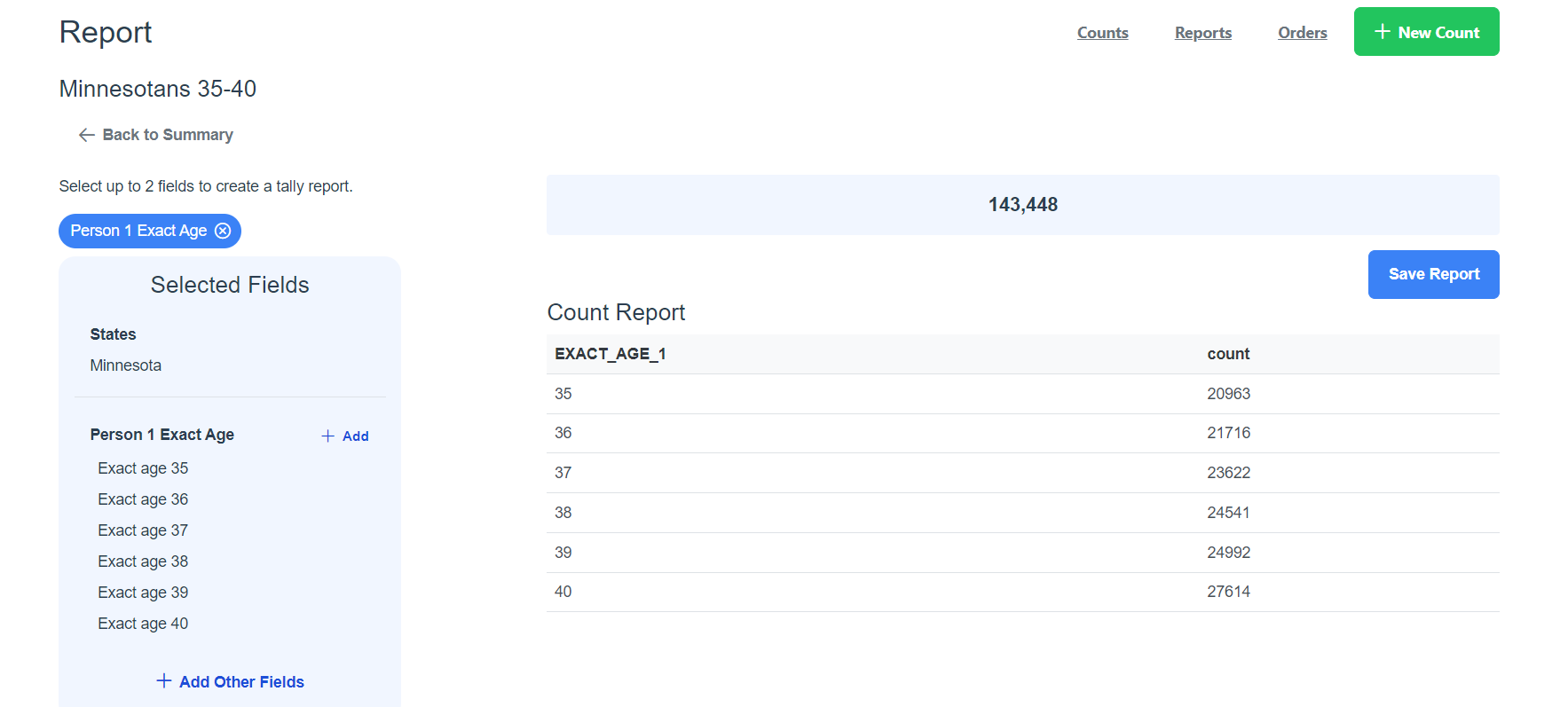 Now you have information about how many within your count are a certain age.
NOTE: you are only able to select 2 demographics for your report.