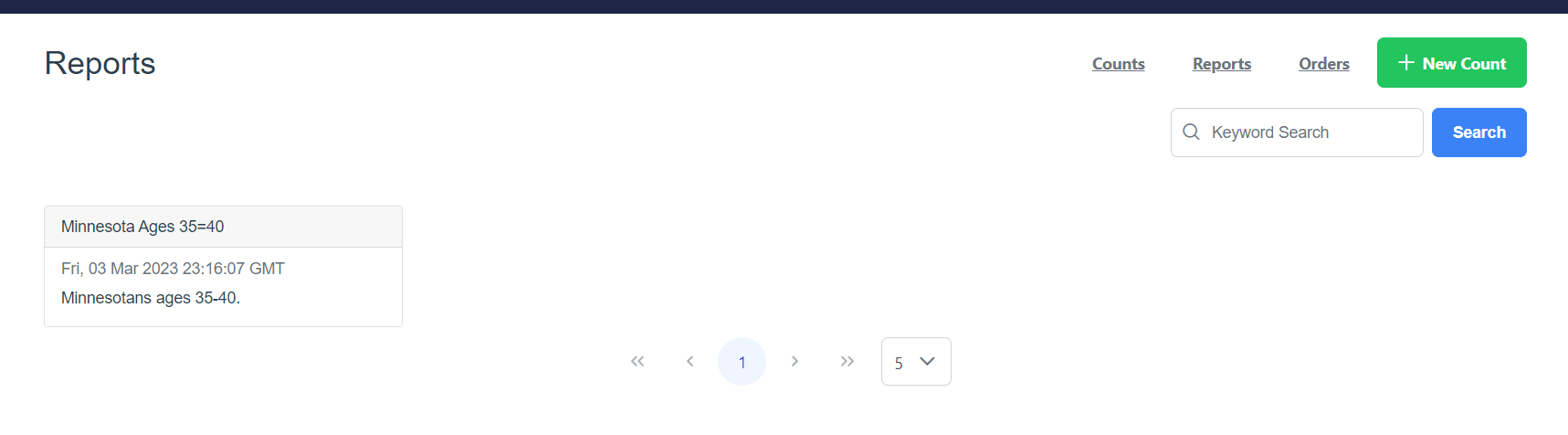
You may want to save a Count Analysis.
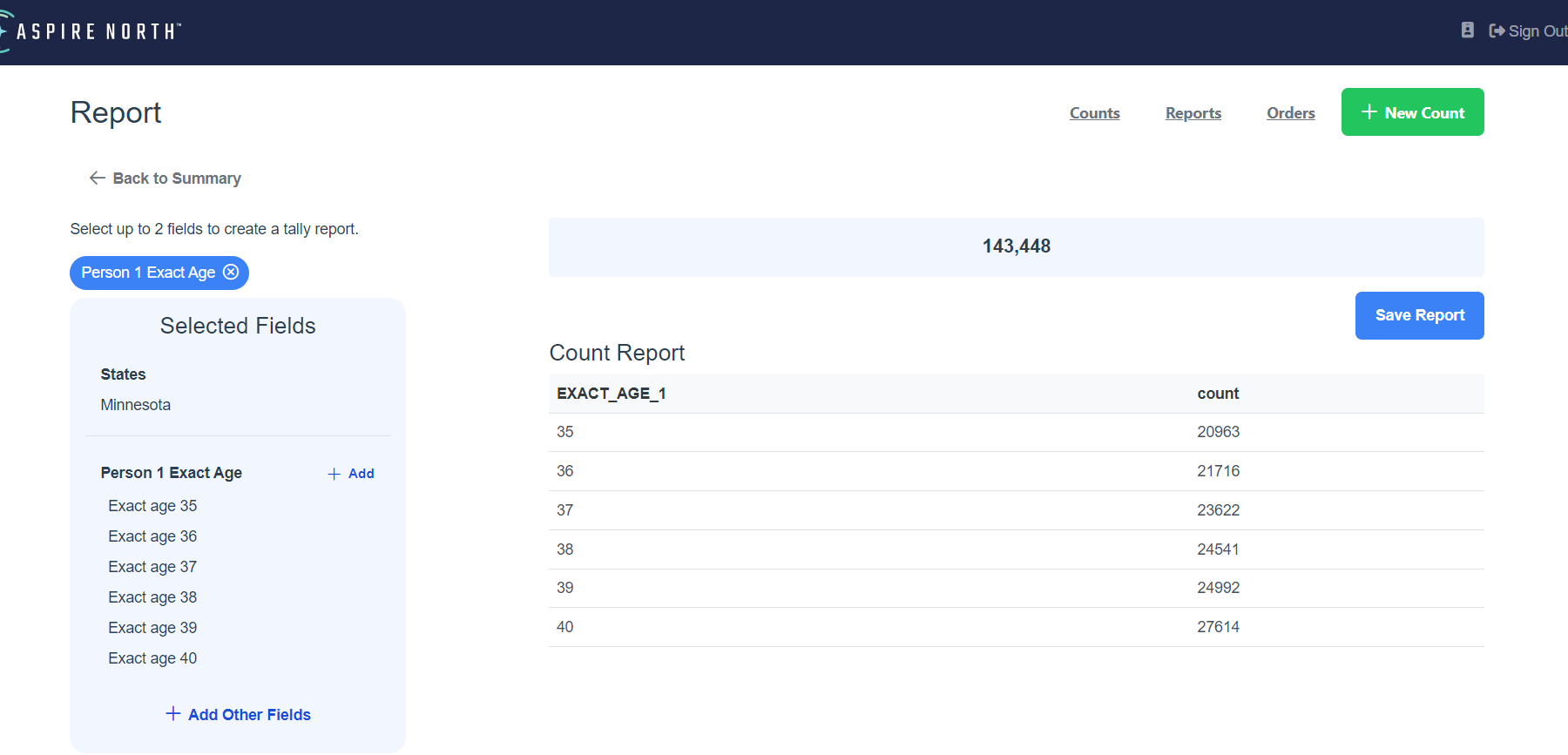
- To save the Count Analysis Report click the Save Report button.
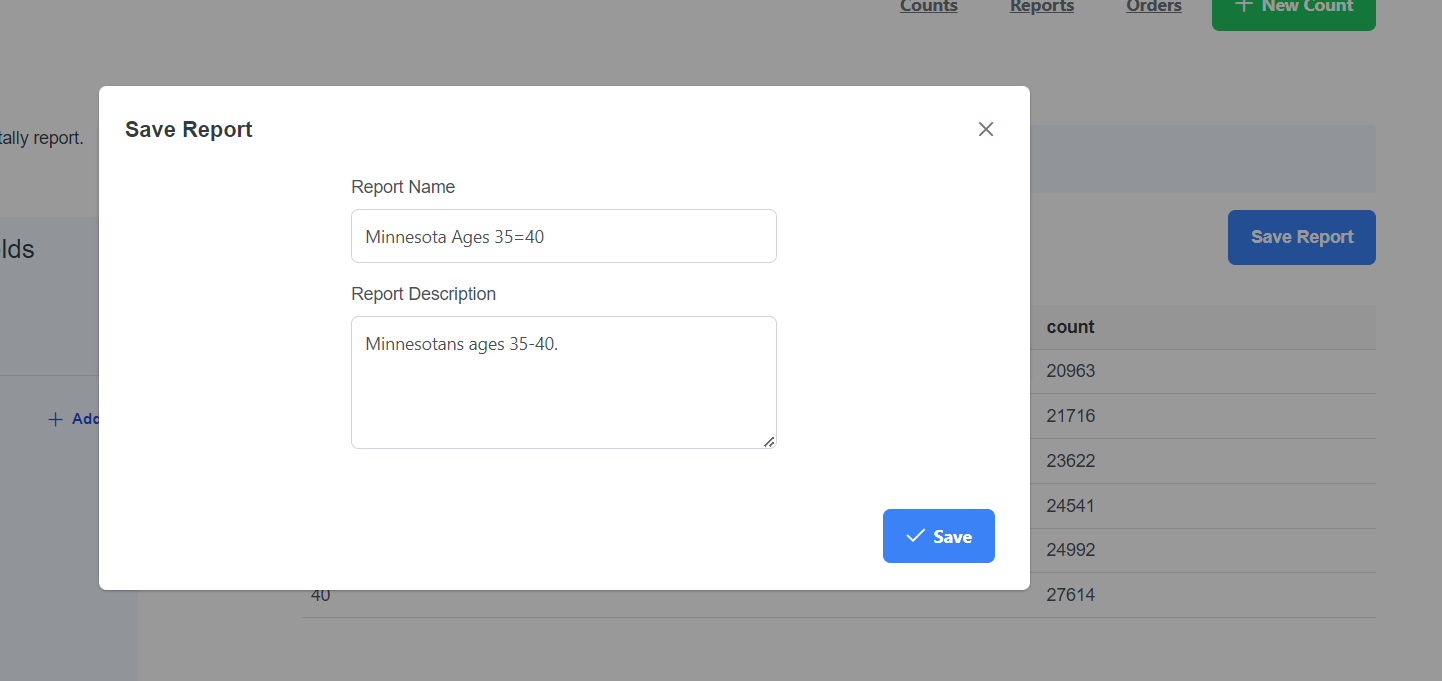
- Fill out the Report Name and the Report Description then click Save.
- After clicking save you will be able to see your saved report within the report screen.